

How to Update Your Restaurant Menu Without Changing the QR Code
You can change dishes, descriptions, or availability and keep the QR codes on your tables if the address inside them remains available. The process depends on whether your menu is a web page, a PDF, or the destination of a link you can manage.
Find your setup, update the content, and check the result using the code you've already printed.
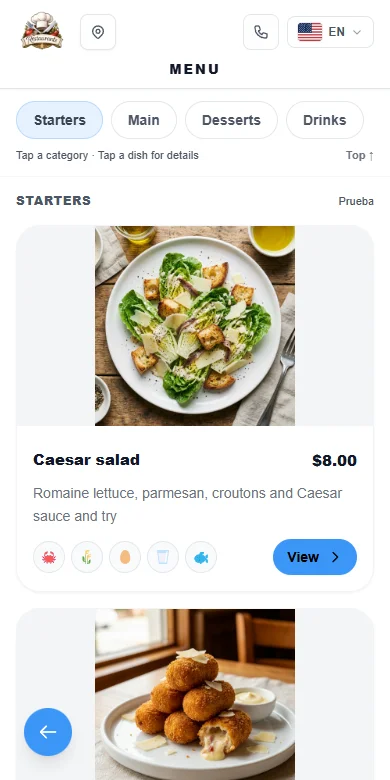
 Scan to open the web menu
The menu can change behind the same link
The path is: printed QR code → web address → menu.
A static QR code contains a fixed address, but the page at that address can show new content. You might also use an intermediate link whose destination you can change through an account.
That means updating a menu doesn't always require a dynamic QR code. You need to preserve an entry point that reaches the correct content. Generating another QR image does not change copies already printed on your tables.
Find out where your menu is hosted
Menu on a platform
- What you can update
- Edit the existing menu and follow its publishing process.
- What to preserve or check
- The public menu address.
Scan one of your restaurant's codes. If your reader displays the address before opening it, note it and compare it with the final browser address. A redirect may make them different. A short link alone doesn't prove you can edit it; confirm who manages it.
Update your menu in eight steps
Start with a code guests already use
Scan a code from a table, counter, or entrance sign. Check that it opens the correct restaurant, menu, and language.
Identify the access you need
Find out who manages the menu and who controls its address. Having a PDF on your computer doesn't mean you can replace the published file.
Prepare your changes
Review the items, descriptions, prices, photos, and food information you plan to change. Check which language versions also need updating.
Keep a previous version
Save the current file or use the available version history. If you overwrite content, keeping its link alone won't recover the earlier information.
Update the part you control
Edit the menu, replace the PDF at the same location, or change the intermediate link's destination. Avoid creating a new address if you need to preserve the existing one.
Check whether you need to publish
A preview, draft, and public menu can be different states. Follow your platform's process to make the change available to guests.
Scan the original printed code again
Open the public menu without an administrator session. Start a new visit from the existing code and check the change outside the editor.
Review related versions
Check other languages, associated menus, and printed copies. An online update doesn't change files guests have already downloaded or menus already on paper.
Replace a PDF menu and keep its QR code
The goal is to preserve the link guests use. If your host lets you replace a file while keeping its public address, publish the revised PDF there.
Uploading a separate file with the same name doesn't guarantee the same address. Check how your host works, save the previous document, and test the original link after the change without using your account.
Google Drive offers version management for replacing an existing file. See Google's file version guidance.
If the service creates a new address, you need a redirect from the old link or a new QR code. Check permissions too: guests should not have to request access to the menu.
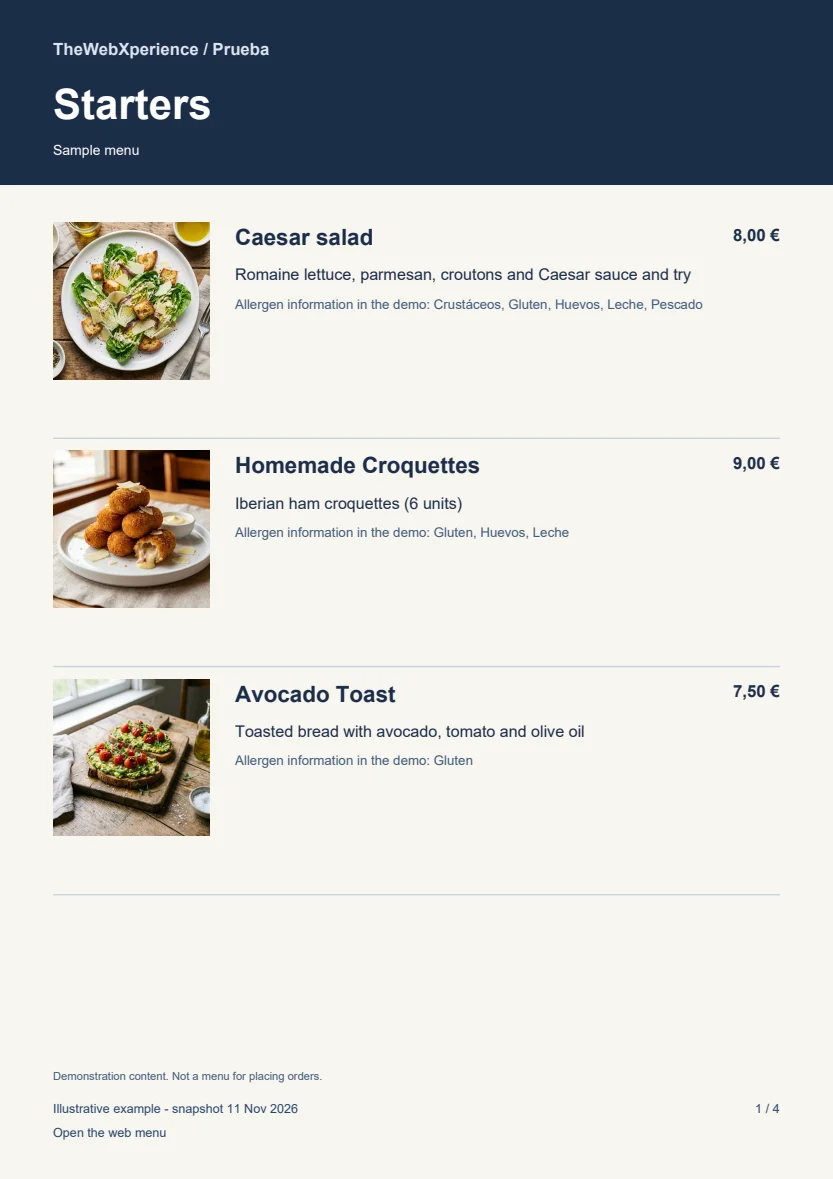
I updated my menu, but the old version still appears
Cached content can delay the appearance of changes. About HTTP caching.
Reopen the original link and compare it on another phone. If the problem continues, give support the address, the expected change, and what you see. Identify the cause before creating another code.
If you're switching menu providers
Check the address inside your QR code and who can maintain it. If you control the address, explore how to preserve it or redirect it. If a previous provider owns it, ask what continuity they can offer.
A new provider cannot remotely rewrite the pattern on a printed code. If the original address cannot be recovered or redirected, you need to replace the codes. Test the new path before taking down the previous menu.
Frequently asked questions
Keep a stable route to your menu
Choose a process you can repeat: edit, publish, and check from your table codes. Explore TheWebXperience and review its available options for managing your menu.