

Menujo
Published starting point
Free: one menu with up to 50 items.
Reason to investigate
A menu for guests to view.
Important distinction
Its page explicitly excludes ordering, payments, and translation.
The best digital menu is the one your guests can read and your team can keep current, on a plan that covers your requirements. Compare the guest experience, daily editing, and subscription conditions before choosing.
A neighborhood restaurant sharing dishes and prices has different needs from a group managing printed menus, website content, and screens. A QR code can lead to any of these experiences, so start with what happens after the scan.
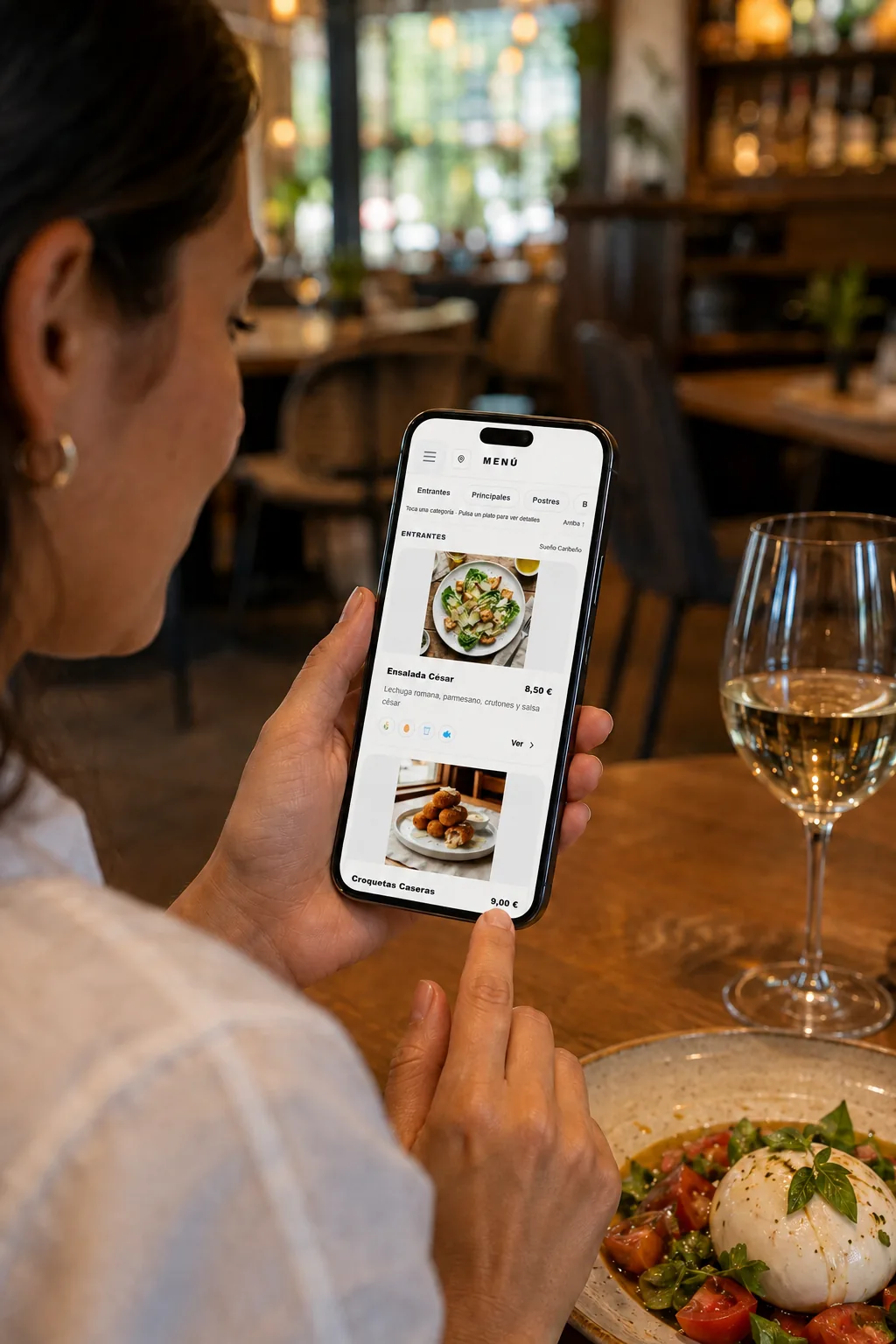
Free: one menu with up to 50 items.
A menu for guests to view.
Its page explicitly excludes ordering, payments, and translation.
Paid Design and Pro plans, with additional products.
Managing menus across print and digital channels.
POS integrations are listed under Pro; screen publishing has separate requirements.
A free menu page with QR sharing; Pro is optional.
Sharing one menu link across customer touchpoints.
Check the plan's language and design limits.
Use the linked official pages for current terms. A feature listed for the overall platform is not automatically part of every plan.
For a coffee shop, test size options, add-ons, and items that sell out. For a food truck, check how easy the menu is to read on a phone while guests are waiting.
For a full-service restaurant, decide whether guests will browse the menu and order with a server or complete an order on their phones. Those are different workflows.
For a restaurant group, check permissions, location-specific pricing, and which changes can be shared across locations. One account does not necessarily include unlimited locations.
If your main need is an overhead screen, look at digital signage requirements. A phone-friendly QR menu and a menu board have different layout, hardware, and operating needs.
Write down the features you actually need, then identify the plan that includes them. Compare the same billing period and location count.
Separate recurring fees, initial setup, optional products, hardware, and any usage charges. A monthly equivalent billed annually is not the same cash commitment as month-to-month billing.
Confirm currency and applicable taxes rather than assuming that every dollar symbol represents the same offer. For ordering and payments, review provider and processor charges separately.
Also consider the work involved in uploading content, checking imported items, and maintaining translations. A lower subscription does not measure the full operating effort.
Use a small, representative menu with drinks, a dish with choices, and an add-on. Ask the person who will maintain it to perform these tasks:
If you need POS integration, confirm the exact system, plan, country, and data flow. Ask what happens when a sync fails. Do not treat a logo in a partner list as proof that your setup is covered.
Keep an accessible alternative for guests who cannot use a phone. Evaluate readability and navigation with real content rather than an unusually short demo menu.
0 / 6 checks completed
Tick tasks you have checked. This list does not rate a provider and resets when you reload the page.
A trial can expose features that are not part of the plan you intend to keep. Find out which photos, languages, menus, and links remain available afterward.
Check whether exceeding a lower plan's limit changes the public menu or pauses it. Stored content and publicly visible content are different things.
If you intend to change providers later, ask what you can export and whether exported data can be reused elsewhere without rebuilding everything manually.
A QR code stores an address. Keeping the printed code useful requires that address to remain available, or a redirect you control that can point somewhere else.
Downloading the QR image does not transfer ownership of the destination. A custom domain can help with continuity only if you control it and have a workable configuration.
Check these conditions before printing table cards in volume.
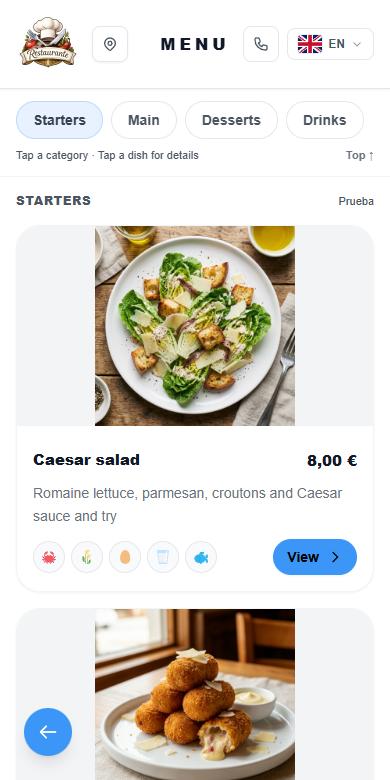
Apply the same checklist to TheWebXperience. Review a demonstration of the specific available plan, its limits, and its current terms before deciding.
This review has not tested its current implementation, so it does not give TheWebXperience a comparative score or position. Planned features should not count as available advantages when you need a solution today.
Choose two or three candidates, use the same menu sample, and compare the results. Your decision should be based on the plan and workflow you will use.