Skip to content

Which digital menu is best for your UK restaurant?

Start with how guests order. A QR-linked PDF can suit a fixed menu. An editable web menu is easier to keep up to date during service. If guests need to place an order or pay from the table, compare the full ordering journey.

Use the same pub or restaurant menu across the shortlist: one special, a choice of sides and a dish that goes out of stock. Compare the steps your team and guests would actually take.

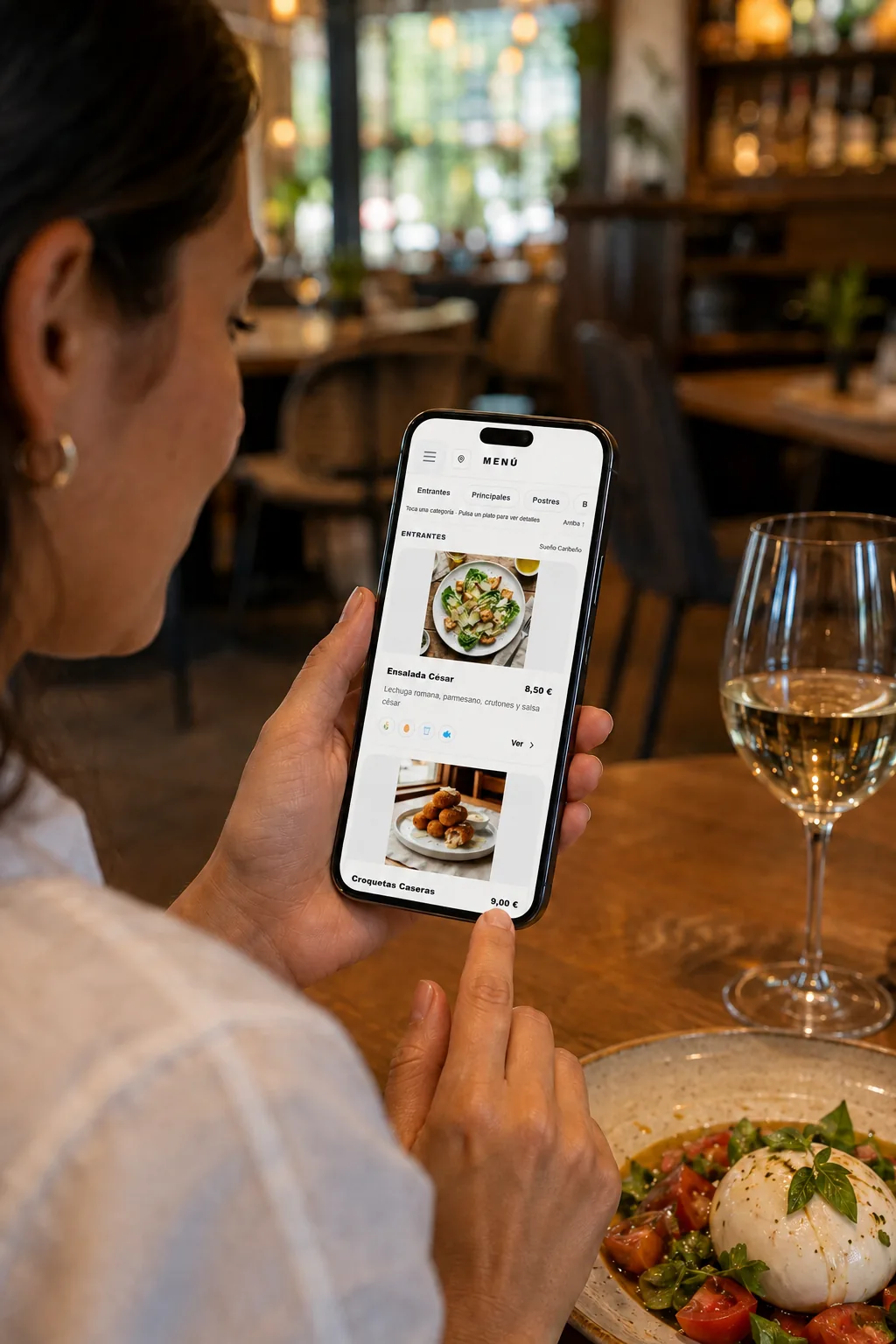
Illustrative menu-browsing scene. It is not a test of the compared providers.

Compare three digital menu tools

PlatterTap

What the provider shows

A hosted menu with a public link and printable QR codes. The provider shows editing from a mobile.

Use it to test

An editable menu for guests who order at the bar or with staff.

Check before choosing

Check which styling and editing options apply to your account.

Menuthere

What the provider shows

The QR menu page describes menu editing, photo or PDF import and automatic translations.

Use it to test

A venue comparing an editable menu with import and language options.

Check before choosing

Check UK availability and which features are included in your chosen plan.

Square UK

What the provider shows

Square describes QR codes for self-serve ordering and payment, with codes assigned to areas such as tables.

Use it to test

A venue that wants guests to order or pay from the table.

Check before choosing

Check the Square setup, staff workflow and payment requirements for your venue.

Start with the provider’s linked product page. Ask each provider to show the same task on the plan you would actually use.

Decide what guests need to do

A PDF guests can read

If you already serve a menu as a PDF and change it occasionally, link to a public copy and test whether guests can read it on a mobile and find allergen information.

An editable menu

If your café or pub changes items during service, try marking a special as unavailable and opening the same menu link again. Test food and drinks sections separately.

More than one language

If you serve guests in several languages, check how staff correct a dish description and confirm that each version reflects the same allergen information.

Table ordering

If customers order and pay at the table, follow a test order through to the team. Check table numbers, unavailable dishes and how staff can help if the guest has trouble.

Compare the plan, not just the headline fee

Write down the features and capacity you need. Compare each provider's matching plan over the same period.

Separate setup, recurring fees, optional services, venue charges and usage limits. Annual billing presented as a monthly equivalent has a different payment commitment from paying month by month.

Confirm the billing currency, applicable tax treatment and any exchange costs that affect your business. An English-language page does not necessarily describe an offer billed in pounds.

Include the work of preparing and maintaining the menu. Decide whether staff will enter content, review an import or rely on an external preparation service, and check what each option actually includes.


Run the same service test on each option

Use the same three items in every demo: a Sunday roast with a choice of sides, a guest ale and a sold-out special. Start with the tools your team can actually use.

If a provider offers an EPOS integration, ask which data it shares with your exact system and what staff do when syncing fails.

0 / 6 checks completed

Tick tasks you have checked. This list does not rate a provider and resets when you reload the page.

Ask what remains after the trial

A trial may include a presentation or functions that disappear on the plan you intend to keep. Check the effect on languages, photographs, menus and public links.

Ask how the system handles a lower plan's limits. A stored menu is not necessarily a published menu, and retained photographs are not necessarily visible photographs.

Make sure guests who cannot use a phone still have a practical way to consult the menu. Your choice should support the service you want to provide.

Check the exit route and the QR address

Before printing table cards, identify the address inside the QR code and who controls it. You can retain the code only while that address works or while you control a redirect to a new destination.

Downloading the image does not transfer the link to you. A custom domain may help, but only when you have effective control of it and a workable arrangement.

Ask what content you can export, in which formats and under which conditions. That makes a future migration easier to assess.

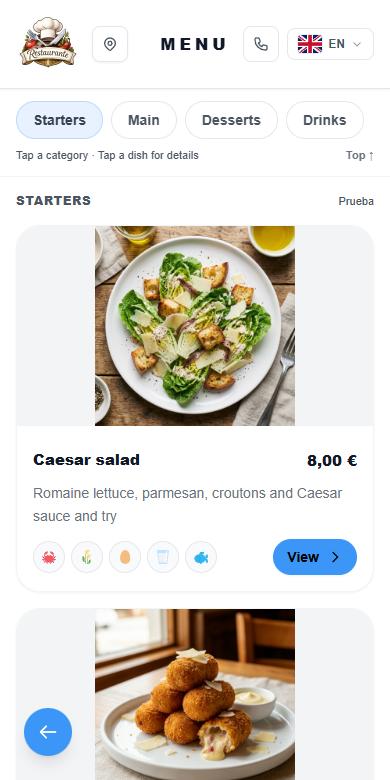
TheWebXperience example menu in English. It does not demonstrate every plan or future features.

Try the sample menu from TheWebXperience

Browse the menu on a mobile, open a dish description and examine how the sections are organised. See the product guide for updates, QR sharing and an example for pubs where guests order at the bar.

Check current UK availability with TheWebXperience before relying on a plan or a preparation service.

Frequently asked questions

Make a shortlist you can test

Select two or three options, try the same menu and compare the results. Choose the tool that fits your team's everyday work and the experience you want guests to have.